



You need a business application when people must act on the data, contribute information or complete a controlled workflow. A dashboard can reveal a problem. It may not provide a suitable place to assign an owner, record a decision or approve a change.
Look at what happens after the chart is opened
If a manager spots an exception and immediately opens a spreadsheet, sends an email and starts chasing a response, the reporting has reached the edge of its job. The next opportunity is a connected process that carries the issue from discovery to resolution.
This does not mean turning every dashboard into an application. A simple report is appropriate when users only need to monitor or explore information. Add a workflow where there is recurring coordination, missing accountability or a decision that must be recorded.
Begin with a single process
Consider an illustrative supplier-performance process. A report identifies repeated late deliveries. A business application could let an authorised manager open a review, assign a procurement owner, record the supplier response and agree a corrective action. The useful outcome is a completed review with a visible status, rather than another chart of the same late deliveries.
The same design question applies to a budget submission, a capital expenditure request, a customer case or a workforce change. Specify the trigger, the participant, the input, the approval and the evidence of completion. That is the first version of the application scope.
Reuse data without confusing reading and writing
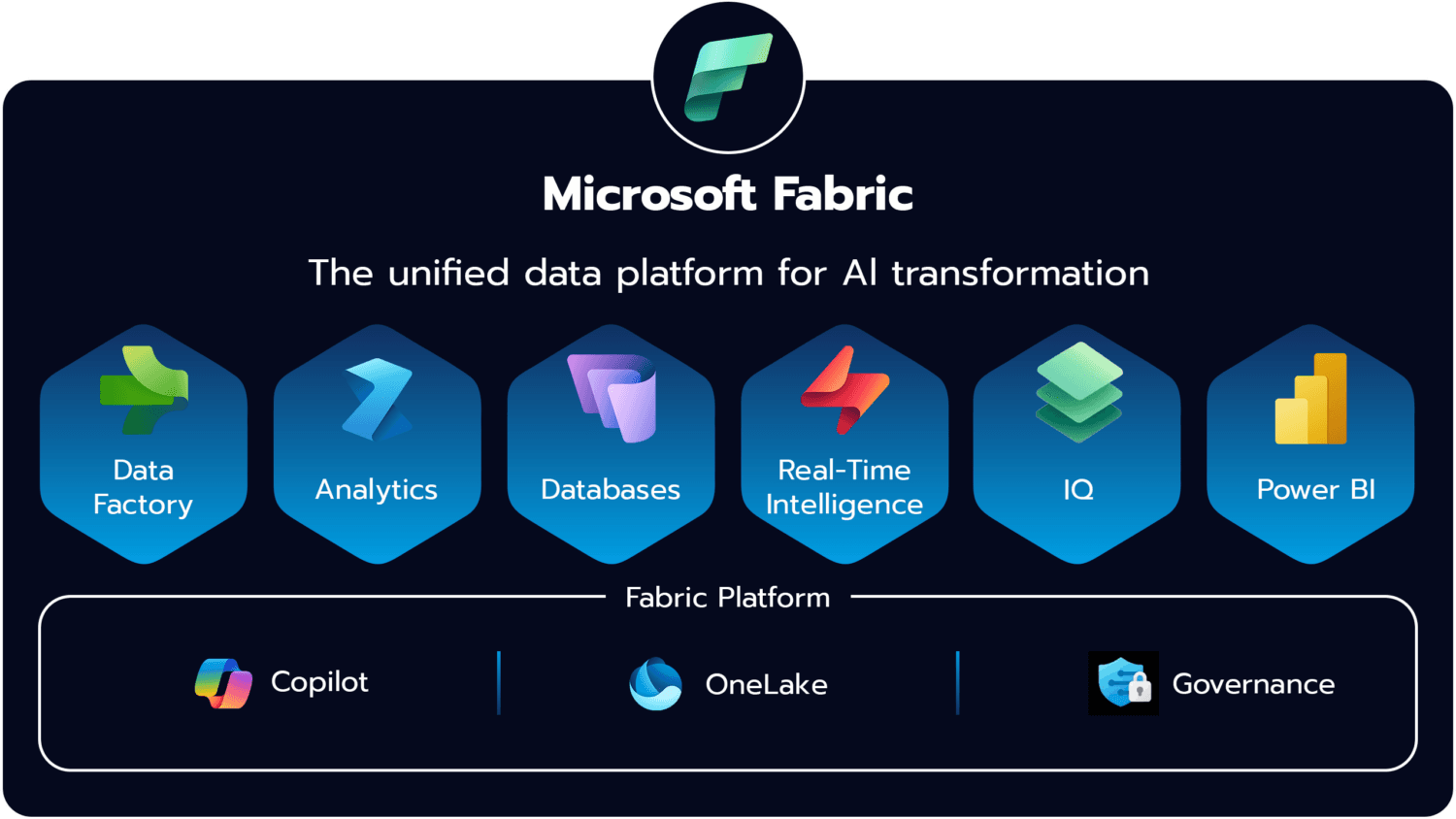
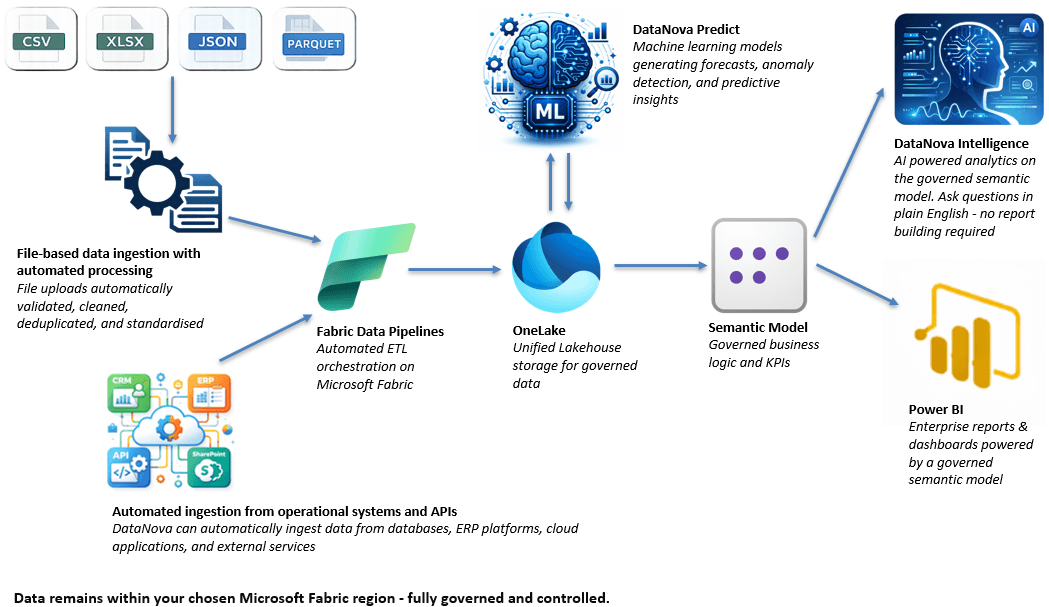
A shared Microsoft Fabric foundation can provide prepared source data and consistent measures for reports and applications. Microsoft's modern data warehouse architecture describes curated consumption across analytical tools and applications. A dependable input workflow still needs its own validation and transaction design.
Do not treat a reporting view as permission to update the source ERP. Decide whether an application records a planning assumption, creates a task or writes an approved change back to another system. Each has different authorisation, validation and recovery requirements. Make the boundary explicit in the scope and in the interface.
Write down the controls before the screens
- Roles: who may view, create, edit, submit and approve?
- Validation: which fields, ranges and combinations are allowed?
- States: what happens when an item is returned, cancelled or reopened?